Introduction
You've found the perfect image for your next embroidery project—a beloved pet photo, a custom logo, or a beautiful piece of clipart saved as a JPG file. You're ready to stitch it on your Husqvarna Viking or Pfaff embroidery machine, but there's a catch: these machines require files in the HUS format (or sometimes .VP3 for newer models) to run. The process to convert JPG to HUS embroidery files might seem like a technical mystery, but it's a learnable skill that unlocks a universe of personalized designs. This guide is crafted for absolute beginners, breaking down exactly what you need to know to successfully transform your JPG picture into a stitch-ready file your machine can understand, without the technical overwhelm.
What Does "Convert JPG to HUS" Really Mean?
Let's start with a crucial distinction. You cannot change a JPG into a HUS file the way you convert a PDF to a Word document. A JPG is a flat picture made of colored pixels. A HUS file is a complex set of coded instructions that tells your embroidery machine exactly where to move the needle hundreds or thousands of times, what type of stitch to make, and which color thread to use.
The technical process of creating these instructions from an image is called digitizing. Think of it as engineering rather than simple conversion. Your JPG is a photograph of a building. The HUS file is the architect's blueprint, electrical plan, and construction schedule. So, when you aim to convert JPG to HUS embroidery files, you are really looking to digitize your image into the specific language your Husqvarna or Pfaff machine reads.
Method 1: Using Official Husqvarna/Pfaff Software
The most straightforward path for machine owners is to use the software designed by the manufacturer. These programs are built to work seamlessly with HUS file creation.
Recommended Software:
HUSQVARNA VIKING® Embroidery Software: This is the dedicated suite (like 5D or Premier+) that offers full digitizing capabilities. It allows you to import a JPG and manually trace it to create a HUS file from the ground up.
PFAFF® creative™ Embroidery Software: The equivalent software for Pfaff owners, offering similar professional tools tailored for your machine.
mySewnet™ Embroidery Library: While primarily a design library, some subscriptions include online auto-digitizing tools that can generate a HUS file from a simple JPG.
How This Method Works:
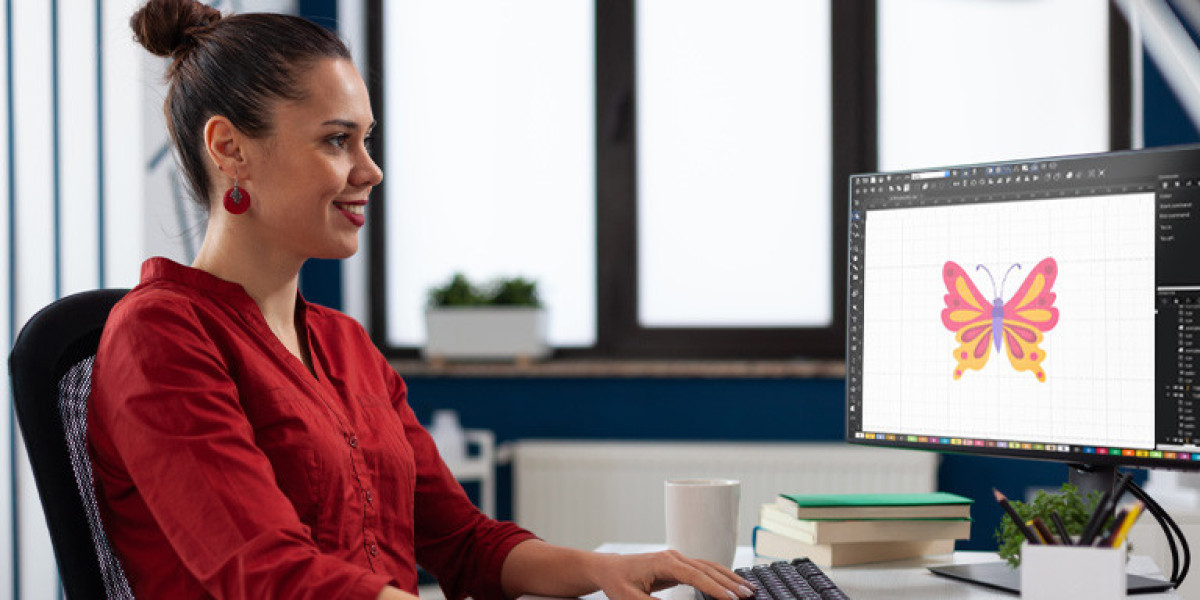
Import your JPG into the software.
Use the built-in tools to trace the design's outlines. Advanced software like Premier+ has auto-trace functions to help, but manual adjustment is almost always needed for good results.
Assign stitch types (e.g., satin stitch for borders, fill stitch for large areas).
Adjust critical settings like stitch density, direction, and pull compensation.
Save or export the final design as a .HUS file to transfer to your machine via USB.
Pros:
Guaranteed Compatibility: Creates perfect HUS files for your machine.
Full Creative Control: You manage every aspect of the design.
Cons:
Significant Investment: The software is expensive.
Steep Learning Curve: Professional digitizing is a skill that takes practice to master.
Method 2: Professional Digitizing Services (The Expert Shortcut)
If your project is for a client, a special gift, or you simply want a professional result without the learning curve, an online digitizing service is your best and most reliable option.
How It Works:
You upload your JPG to a service website, specify that you need a HUS file, and provide details like size and fabric. A human expert digitizes your design. You download the ready-to-stitch HUS file, usually within 24-48 hours.
What to Look For:
Choose a reputable service that explicitly lists HUS as an output format. Top services like Absolute Digitizing, Digitizing Buddy, or Cool Embroidery Design support it. On freelance sites like Fiverr, filter for digitizers who mention Husqvarna or Pfaff.
Pros:
Professional Quality: Experts create files optimized for stitching, with proper density and pull compensation.
Saves Time & Frustration: You get a perfect file without learning complex software.
Includes Revisions: Good services offer free tweaks based on a test stitch.
Cons:
Cost Per Design: Typically $10-$40+.
Not Instant: Requires planning ahead for the turnaround time.
Method 3: Third-Party Embroidery Software
Other major software brands can also create HUS files, offering an alternative if you seek different features or pricing.
Examples:
Embird: A powerful, modular software that supports HUS format export.
Wilcom/Hatch Embroidery: The industry leader; Hatch supports a wide range of formats and is known for being user-friendly.
Brother PE-Design: While geared toward Brother, it can export to multiple formats, often including HUS.
The workflow is similar: import JPG, digitize, export as HUS. Ensure any software you consider explicitly supports "HUS" or "Husqvarna Viking" export.
Method 4: Online Auto-Converters (Use With Extreme Caution)
A quick web search will reveal sites promising "free instant JPG to HUS conversion." Please approach these with extreme skepticism.
These are fully automated tools that use basic algorithms. They make poor guesses on stitch type and density, with no understanding of embroidery physics. The resulting HUS files frequently cause:
Thread breaks and birdnesting.
Puckered, distorted designs.
Patchy, unprofessional stitch coverage.
Wasted time and expensive materials.
Only Consider For: The simplest, single-color shapes on non-critical scrap fabric experiments. Never use for important projects.
Your Step-by-Step Action Plan
Follow this simple, fail-safe plan to go from JPG to finished embroidery:
Choose Your Method:
For control and frequent designs, explore official software.
For one-off, professional results, choose a digitizing service.
For simple personal experiments, try your software's auto-trace or a very simple online tool, knowing results may be poor.
Prepare Your JPG File: Use the highest-quality image you have. A clean, high-resolution logo with crisp edges works infinitely better than a small, blurry, or pixelated picture.
Provide Key Details (If Using a Service): Be specific to get the best file:
Desired Size: "2.5 inches tall."
Fabric Type: "Cotton jersey t-shirt" or "Denim jacket." This is critical for proper digitizing.
Any Special Notes: "Make the text bold and readable," or "This flower is the most important element."
The Non-Negotiable Test Stitch: This is the most important step in this guide. Always run your new HUS file on a scrap piece of the exact fabric you'll use for the final project. Hoop it the same way. Check for thread tension, design registration, and puckering.
Make Adjustments: If the test reveals issues (e.g., the design pulls or text is too thin), use your software to edit or request a revision from your digitizing service. Provide clear feedback from your test.
Common Beginner Mistakes to Avoid
Skipping the Test Stitch: This is the #1 error. It can ruin an otherwise perfect final item.
Using Low-Resolution Images: A tiny JPG will create a blocky, poor-quality embroidery file.
Ignoring Fabric Type: A file digitized for a towel will not stitch well on a stretchy knit. Always specify the material.
Expecting Magic from Free Converters: If the project matters to you, invest in a proper digitizing service. The small fee is far cheaper than wasting expensive fabric, thread, and your time.
Conclusion: From Image to Embroidered Art
Learning how to convert JPG to HUS embroidery files is the essential skill that transforms your Husqvarna Viking or Pfaff from a pre-programmed appliance into a true tool of personal expression. While the process is technically digitizing—a blend of art and engineering—it is entirely accessible to beginners through the smart use of professional services. This path guarantees quality, saves you from a steep software learning curve, and ensures your projects look professional from the start.
Remember, success lies in starting with a good image, choosing the right method for your needs and skill level, and, above all, never skipping the test stitch on scrap fabric. By following this guide, you confidently bridge the gap between any digital image and a beautiful, durable piece of stitched art. Now, take that JPG and start creating something uniquely yours.